
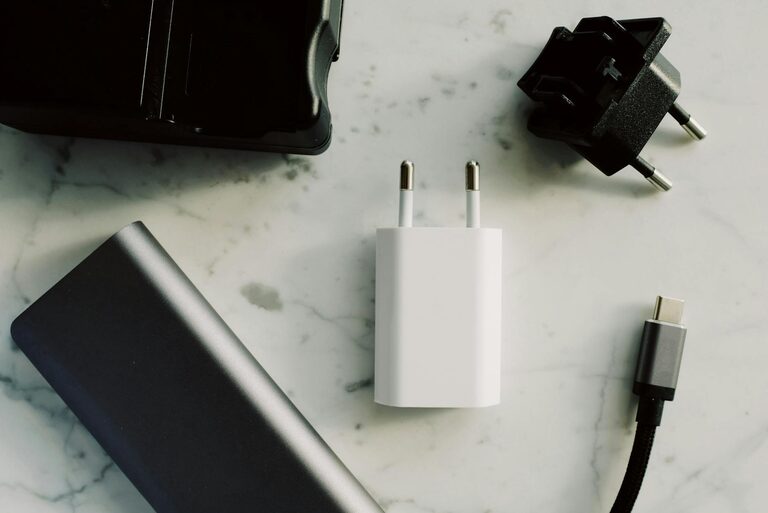
Creating a dedicated charging station for your devices is a smart way to keep your tech organized, charged, and ready to go. With the number of gadgets we use daily—smartphones, tablets, laptops, smartwatches—it’s easy for cords and chargers to pile up, creating clutter and confusion. In this guide, we’ll walk you through the steps to set up an efficient charging station that suits your space and needs.
Why Set Up a Charging Station?
Before diving into the setup, let’s consider the benefits of having a charging station:
– Organization: Keeps all your devices and cables in one place.
– Convenience: Makes charging quick and accessible.
– Safety: Reduces tripping hazards and tangled wires.
– Aesthetics: Creates a neat and tidy look on desks or countertops.
Step 1: Choose the Right Location
The first step is selecting where you want your charging station. Here are some tips:
– Accessibility: Pick a spot where you often use or store your devices, like a desk, kitchen counter, or nightstand.
– Power Source: Make sure the location has easy access to electrical outlets.
– Space: Ensure there’s enough room for the charging station setup without crowding.
Step 2: Decide on Your Charging Station Type
Depending on how many devices you have and your style preference, you can choose:
Dedicated Charging Dock
Devices like smartphones or smartwatches often have docks designed for their model. These are simple but usually only fit one device.
Multi-Port USB Charger
This popular option lets you charge several devices using one compact hub with multiple USB ports.
Wireless Charging Pad
Ideal for devices supporting wireless charging, these pads reduce cable clutter even further.
DIY Charging Station
If you enjoy DIY projects, you can create a customized station using trays, boxes, or furniture pieces, integrating cable holders or outlets.
Step 3: Gather Your Supplies
Depending on your chosen type, you might need:
– Multi-port USB charger or charging dock
– Power strip with surge protection (for multiple devices)
– Cable organizers: clips, ties, or sleeves
– Charging cables compatible with your devices
– Optional: wireless charging pad, storage trays, or decorative containers
Step 4: Set Up and Organize Your Cables
A big challenge in charging stations is managing cables. Here are some tips to keep them tidy:
– Use cable clips or adhesive holders to route cables neatly along the station or wall.
– Group cables with reusable Velcro ties or twist ties.
– Label cables if you have many devices, so you can easily identify which cord belongs to which device.
– Choose shorter charging cables to reduce excess length.
– Consider retractable cables if space is tight.
Step 5: Arrange Your Devices
Place your devices on the station in a way that they’re easy to plug in and remove. Some ideas:
– Use tiered shelves or stands to maximize vertical space.
– Place frequently used devices toward the front.
– Use containers or dividers if you want to keep each device in its own section.
Step 6: Safety Tips
To maintain a safe charging environment:
– Avoid overloading power strips or outlets.
– Use chargers and cables from reputable manufacturers.
– Keep the area dry and free of clutter.
– Regularly inspect cords for fraying or damage and replace if needed.
– Do not cover chargers or allow devices to overheat while charging.
Step 7: Personalize Your Charging Station
Make your station feel welcoming and fit your style:
– Add decorative items like small plants or pictures nearby.
– Use matching containers or trays to maintain a consistent look.
– Choose chargers and accessories in colors that complement your space.
Maintenance and Upkeep
To keep your charging station effective:
– Regularly unplug and dust the area to prevent buildup.
– Reorganize cables as you add or remove devices.
– Check chargers and cords periodically for wear and performance.
– Adjust the layout if your device collection changes.
Conclusion
Setting up a charging station is a simple way to enhance your daily routine, keep your devices powered, and maintain an organized space. By choosing the right location, managing cables thoughtfully, and selecting appropriate chargers, you can create a functional and stylish station tailored to your needs. Whether you prefer a minimalist setup or a fully equipped charging hub, this small change can make a big difference in your home or office.
Ready to get started? Gather your devices and supplies, and enjoy a clutter-free, efficient charging space!